How to Add Products to AI Influencer Posts: DesiCMO Guide
The product placement problem with AI content
Generic AI-generated influencer images often suffer from the same issue: the product is either invisible, looks digitally inserted, or is shown at an angle that hides the label. When the product is unreadable, the content fails its primary job.
This guide shows how to embed products naturally and prominently in DesiCMO Image Lab outputs.
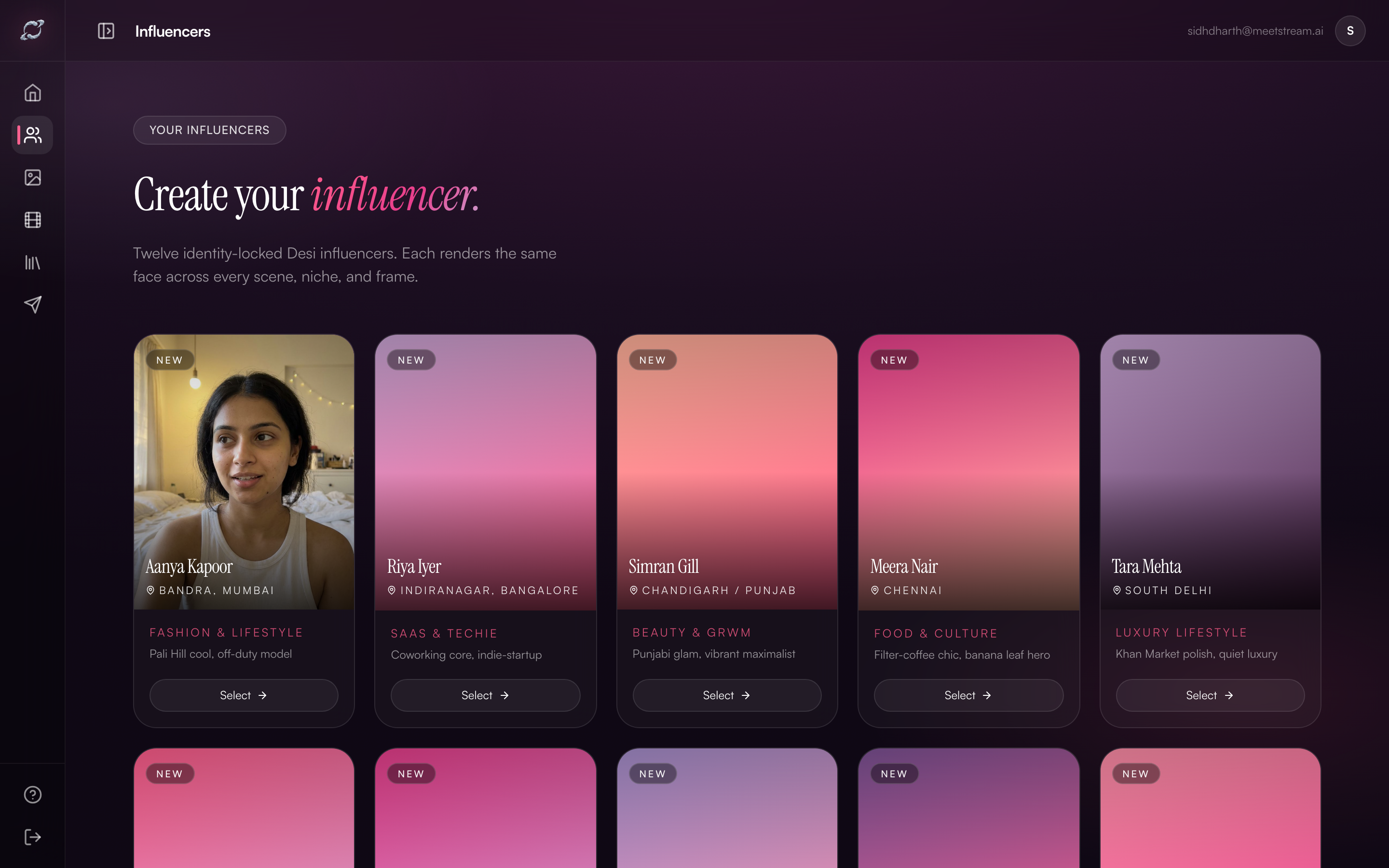
 Image Lab prompt field. Product integration starts here — before you click Generate.
The three product placement levels
Not all product integrations serve the same purpose. Choose your level based on where in the funnel the content sits:
Level 1: Brand awareness — lifestyle adjacency
The product is present but secondary. The influencer and context carry the brand association.
"Aanya at a café table, [BrandName] tote bag visible in background on her chair, golden hour ambiance, she's smiling at her phone"
Use for: Top-of-funnel awareness, brand lifestyle positioning
Level 2: Product feature — product in hand
The product is the clear subject. The influencer frames and holds it naturally.
"Aanya holding [BrandName] Vitamin C serum, bottle label facing camera, soft daylight from window, close-medium shot, examining serum with curiosity"
Use for: Product launch posts, catalogue stills, website imagery
Level 3: Conversion shot — product + claim
Product is prominently featured alongside the most important purchase-decision info.
"Aanya holding [BrandName] serum directly at camera, label clearly legible, text overlay area clear at bottom for price/CTA, bright clean background, direct eye contact"
Use for: Instagram ads, lower-funnel conversion content, discount posts
Prompt anatomy for perfect product shots
Break your product prompt into these five elements:
1. Product descriptor Describe exactly what the product looks like — shape, colour, material, label position.
"slim amber glass dropper bottle, gold metal cap, white oval label with [BrandName] in serif font"
2. Hold position How is the influencer holding it? Fingers visible? Both hands? Which angle?
"held with right hand, bottle vertical, thumb visible, label facing camera"
3. Distance from face
"bottle held approximately 30cm from face, face visible in frame"
4. Lighting for label legibility
"soft front lighting to ensure label is readable, no harsh shadows on bottle"
5. Background clarity
"clean white or light grey background behind product, no competing objects"
Full example
"Aanya, Indian woman, 27, natural makeup, sitting at a light wooden desk, holding a slim amber glass dropper bottle with white label reading '[BrandName] Vitamin C 15%', bottle facing camera, label fully legible, bottle 30cm from face, soft daylight from left window, genuine interested expression"
Product types and prompt tweaks
| Product type | Key prompt elements |
|---|---|
| Skincare serum/oil | "label legible", "dropper held up", "close-up foreground" |
| Face cream jar | "lid open or closed", "white marble surface", "soft shadows" |
| Fashion item (clothing) | "worn by influencer", "full-body or torso shot", "outfit visible" |
| Supplement powder/shake | "shaker bottle with logo", "post-workout setting", "in-use" |
| Food product | "plated naturally", "first bite or pour moment", "warm kitchen light" |
| Tech/app | "phone screen visible with app open", "clean UI readable" |
| Jewellery | "worn, macro visible", "Indian skin tone for colour accuracy" |
Video product integration (Video Lab)
For product placement in Reels, the critical moment is the reveal frame — typically at the 50–60% mark of the video. The prompt structure for Video Lab differs slightly:
Script structure for product Reels:
- Hook (0–3s): Problem or curiosity — no product visible yet
- Setup (3–10s): Context building — influencer in setting
- Product reveal (10–18s): "Yeh dekho..." — clear product shot
- Claim (18–25s): Specific, believable result
- CTA (25–30s): Price anchor + "link bio mein"
The reveal moment should be scripted explicitly:
"At the 12-second mark, she picks up [BrandName] serum from the table and holds it to camera, label clearly visible"
Common mistakes and fixes
| Mistake | Fix |
|---|---|
| Label not visible | Add "label facing camera" and "legible" explicitly |
| Product looks photoshopped | Use "natural hold", "realistic grip", "organic placement" |
| Product too small in frame | Specify distance: "product 25cm from camera, dominant in frame" |
| Background clutter stealing focus | "clean background", "bokeh effect on background" |
| Brand name too small to read | "white label with [BrandName] text clearly readable" |
Ready to spin up your own Desi AI influencer?
Pick a base still, lock the identity, and ship your first Reel this evening.
Open DesiCMO Studio →